In this linux article, we will be looking how to compress files in Linux.
Following command is used for it.
tar -options filename fileTOcompress
Output is as follows:
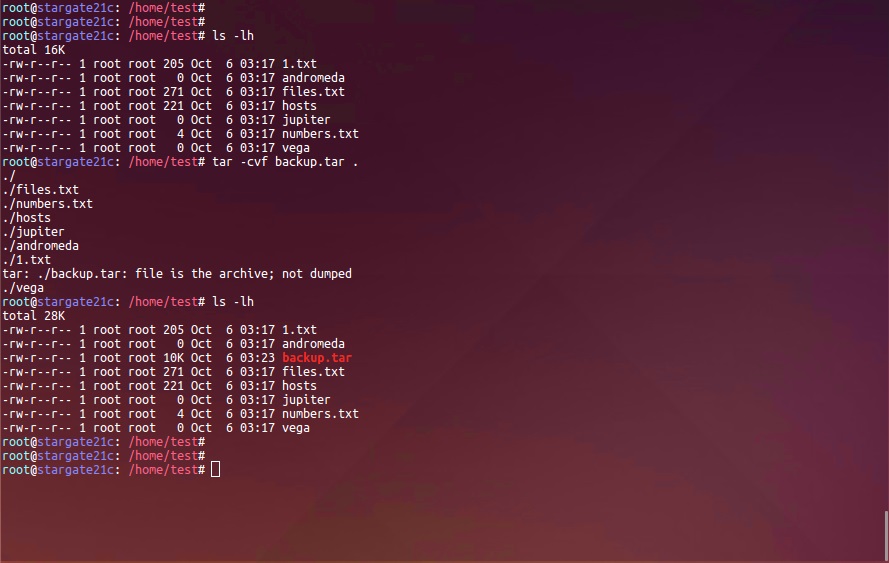
As output indicates, we compressed files in given folder to "backup.rar". Options we used are:
-c: compress
-v: verbose mode
-f: file